AI Translate Manga · Updated November 17, 2026
Why Do Furigana Ruby Characters Scramble Manga OCR—and How Do You Translate Shonen Manga Cleanly?
Direct answer: Tiny furigana ruby characters printed beside vertical kanji cause naive line-by-line OCR to splice stray kana right into the middle of Japanese words. Dedicated manga image translation evaluates speech bubbles visually and places English or Simplified Chinese back onto the page—avoiding raw ruby gibberish in ordinary dialogue, though blurry scans, handwritten ruby, and creative kanji-furigana puns (ateji) still need a quick side-by-side check on one sample page before you batch up to 20 pages.
Why furigana breaks generic OCR pipelines
- Two font sizes in one narrow bubble: Main kanji sit in a vertical column while tiny kana sit immediately to the right. Generic text detectors merge both columns into one scrambled string.
- Lost punctuation and broken compounds: When ruby kana land between the first and second kanji of a compound noun, standard translation engines fail to recognize the real word at all.
- Dual-meaning ateji / gikun: Shonen battle and fantasy series frequently pair formal kanji with a spoken slang or English loanword reading in the furigana. Even visual models may translate only the kanji or only the ruby reading.
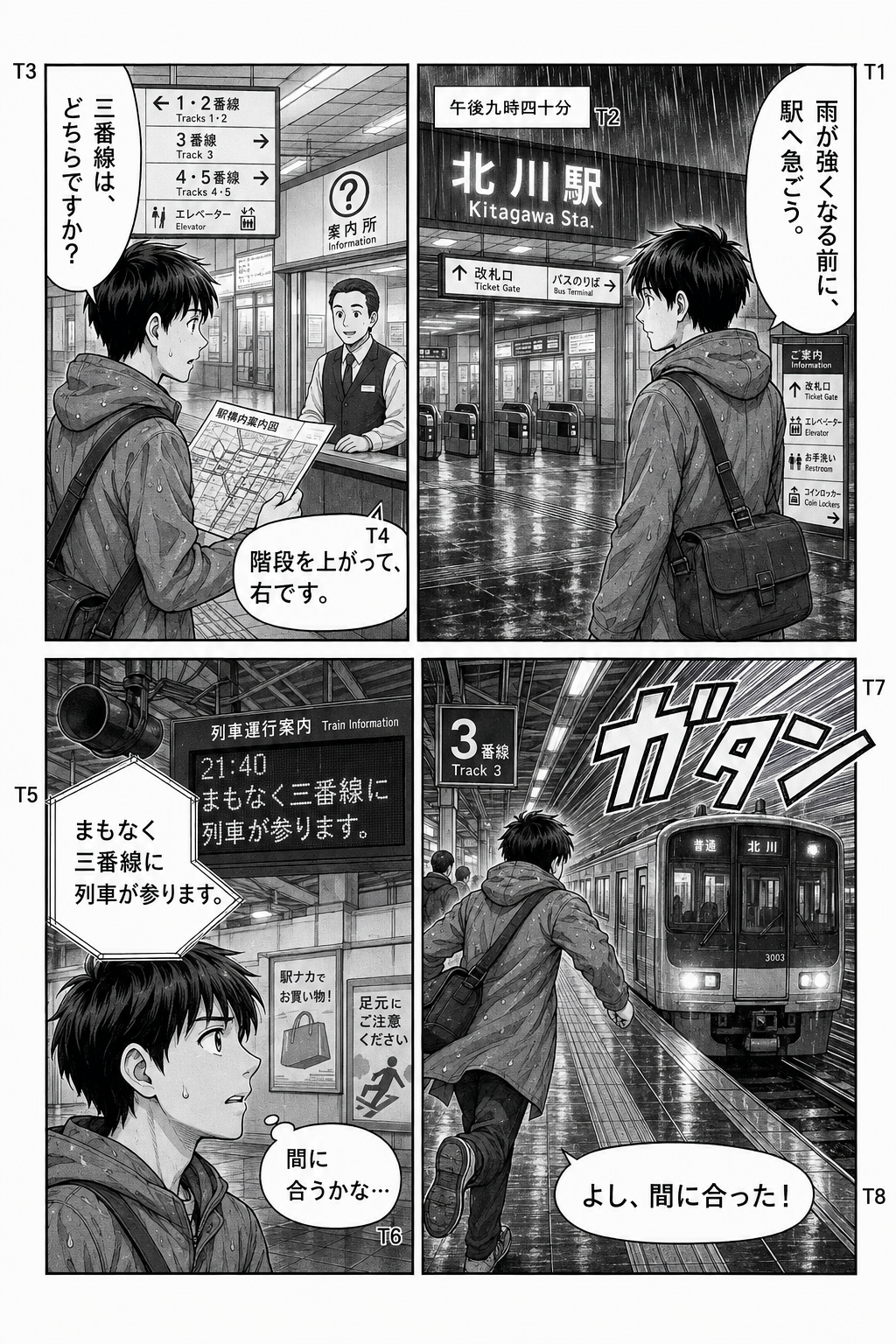
Saved reference: vertical Japanese dialogue vs translated output

How to prepare furigana-heavy pages before translating
- Start from crisp originals: Use clear PNG or JPG pages (up to 5 MB and 20 megapixels) or a readable PDF (up to 50 MB). Resaved screenshots blur tiny ruby strokes into the adjacent kanji.
- Test 1 dialogue-heavy page with your trial credits: New Google accounts include 4 free pages valid for 30 days. Pick a page with tight vertical bubbles and unusual character terms, choose English or Simplified Chinese, and inspect the result beside the original.
- Watch for character names and ateji: Because AI Translate Manga returns flattened PNG images (or a batch ZIP) without a separate OCR transcript or bubble editor, keep your original pages handy whenever you want to verify a specific kanji or ruby reading.
- Batch up to 20 pages once the sample passes: Upload remaining chapter pages in reading order (optional $4.99 one-time pack covers 100 successful pages for 12 months; failed jobs restore credits).
Running into crowded signs or missed background text too? See why manga text overlaps and what to check and our vertical SFX & inpainting guide.
Frequently asked questions
Why does traditional OCR turn shonen manga dialogue into gibberish?
Shonen and shojo manga print tiny kana pronunciation guides (furigana) right next to vertical kanji. Naive line-by-line OCR treats those small ruby columns as full dialogue characters and splices them into the middle of main words, breaking dictionary lookups and machine translation.
Can AI Translate Manga always separate ateji (creative furigana puns) automatically?
No. Visual manga translation evaluates speech bubbles in context and usually avoids dumping raw ruby noise into ordinary dialogue, but creative ateji—where an author puts a completely different word or nickname in the furigana above standard kanji—can still be missed or simplified. Inspect one representative page side-by-side when nuance matters.
What image quality works best for small furigana and vertical shonen text?
Upload clean, uncropped PNG or JPG originals (up to 5 MB and 20 megapixels each) or a clear non-protected PDF (up to 50 MB). Compressed chat-app thumbnails blur tiny kana strokes and cause both missed bubbles and misread kanji.
Can I export the recognized Japanese text or edit a misread bubble here?
No. AI Translate Manga outputs flattened PNG images or a ZIP archive with an original/translated viewer, without a separate Japanese OCR transcript export or per-bubble text editor. New Google accounts start with 4 free trial pages (30 days) so you can judge one page first.