Manga image translator · AI Translate Manga · Updated November 15, 2026
AI Doujinshi Translator: Translating Japanese Doujinshi Pages, Margin Notes & Slang
Direct answer: To translate Japanese doujinshi pages you legally own or downloaded DRM-free (PNG, JPG, or PDF), upload one representative page to AI Translate Manga and select English or Simplified Chinese. The tool recognizes Japanese text, translates dialogue, and places text back into the page image—no local GPU required. Start with 4 free trial pages (30 days, Google sign-in) to check how your specific artist's handwriting, margin notes, and casual slang render before translating up to 20 pages per batch.
Why doujinshi pages behave differently from commercial tankobon
- Handwritten margin notes & author asides: Indie comics frequently place small hand-lettered comments outside bordered speech bubbles. Clear contrast helps, while light sketch strokes or tiny annotations may be skipped.
- Casual slang & omitted pronouns: Doujinshi dialogue leans heavily on conversational particles, dialect, and unspoken subjects. Reviewing the translated image alongside the original helps catch swapped speakers.
- Spread and PDF packaging: Digital doujinshi releases often ship as 20–40 page PDFs or image folders. Our browser uploader processes PDFs locally and submits pages one by one in batches of up to 20 pages.
Saved sample: checking dialogue vs dense lettering
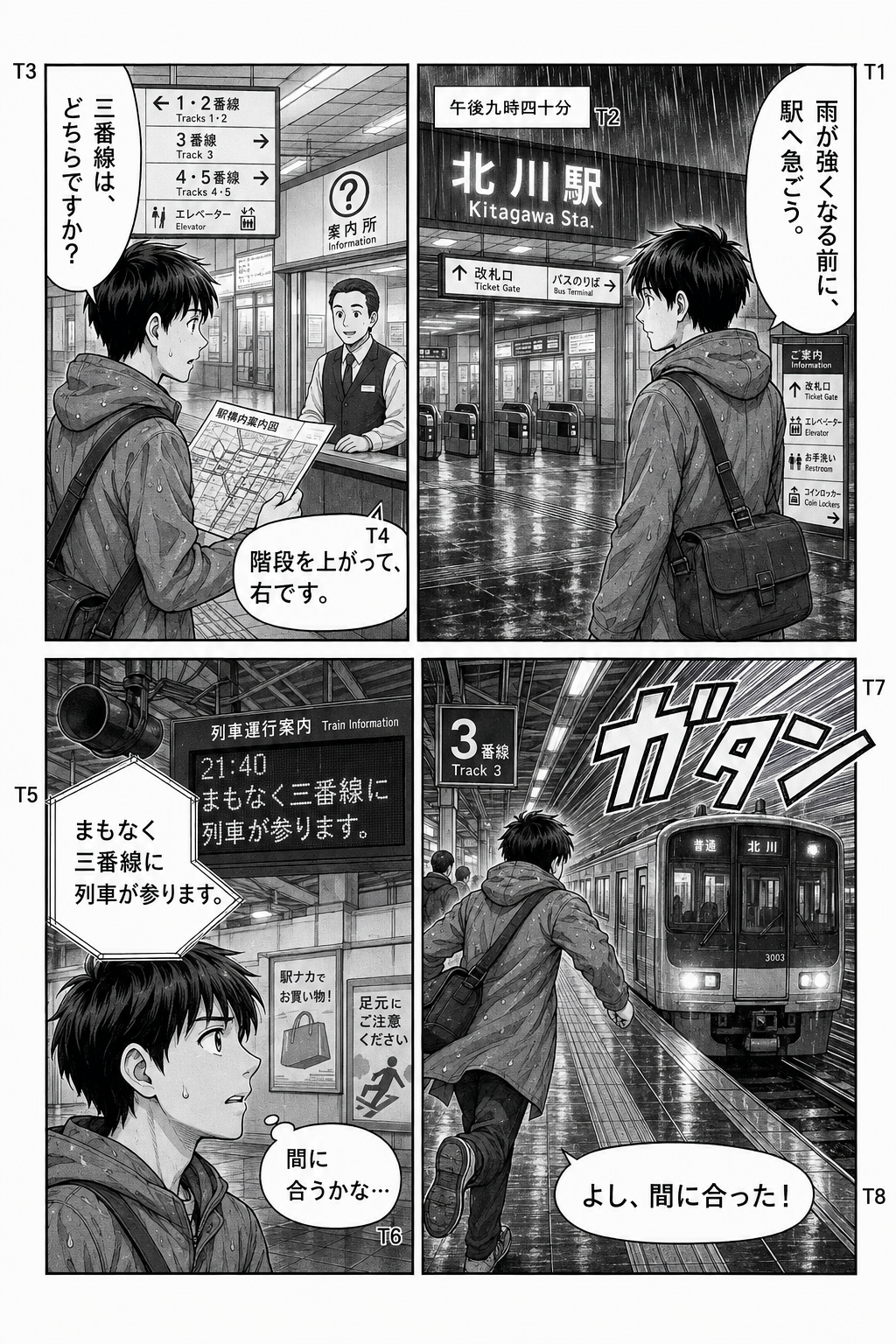

Recommended workflow for a doujinshi PDF or image pack
- Extract or prep clean pages: If your purchase is a ZIP/CBZ archive, unzip the PNG/JPG files locally (or use the DRM-free PDF directly under 50 MB). Keep pages upright and under 5 MB each.
- Test 1 dense dialogue page first: Open the image uploader, sign in with Google, choose English or Simplified Chinese, and submit a single page with both speech bubbles and margin notes.
- Inspect and continue in 20-page batches: Check names, tone, and small notes against the original. If satisfied, translate the rest in batches of up to 20 pages and download the ZIP archive.
Frequently asked questions
Can AI Translate Manga handle PDF doujinshi bought from DLsite or Booth?
Yes, provided you own or have permission to translate the file and it is not DRM-locked or password-protected. Upload PDFs up to 50 MB (your browser renders pages locally) and translate up to 20 pages per batch into English or Simplified Chinese.
Does it translate handwritten margin notes and casual slang?
Printed and clear handwritten dialogue inside or near panels is often translated, especially when page context is visible, but rough pencil scrawls, tiny margin commentary, and stylized sound effects can be missed or misread. Always inspect one representative page before running a full batch.
Are my uploaded doujinshi pages kept private?
Saved results are stored privately in your account until you delete them from History. However, submitted pages are sent to Torii for translation processing (see our Privacy Notice for Torii retention details), so do not upload sensitive, confidential, or unauthorized files.
How many pages can I test for free?
New Google accounts get 4 free trial pages, valid for 30 days with no card required. Additional one-time packs are $4.99 for 100 successful pages (valid 12 months). Failed jobs restore reserved credits automatically.